
Put several choices in front of the party
Offer a board of jobs or focus on one notice. A hunt, missing person, delivery or investigation gives players a starting direction without deciding what they must accept.
The next adventure starts with a notice
Give your party work worth investigating. Prepare jobs, bounties and public notices, with the private complications kept in your DM brief.
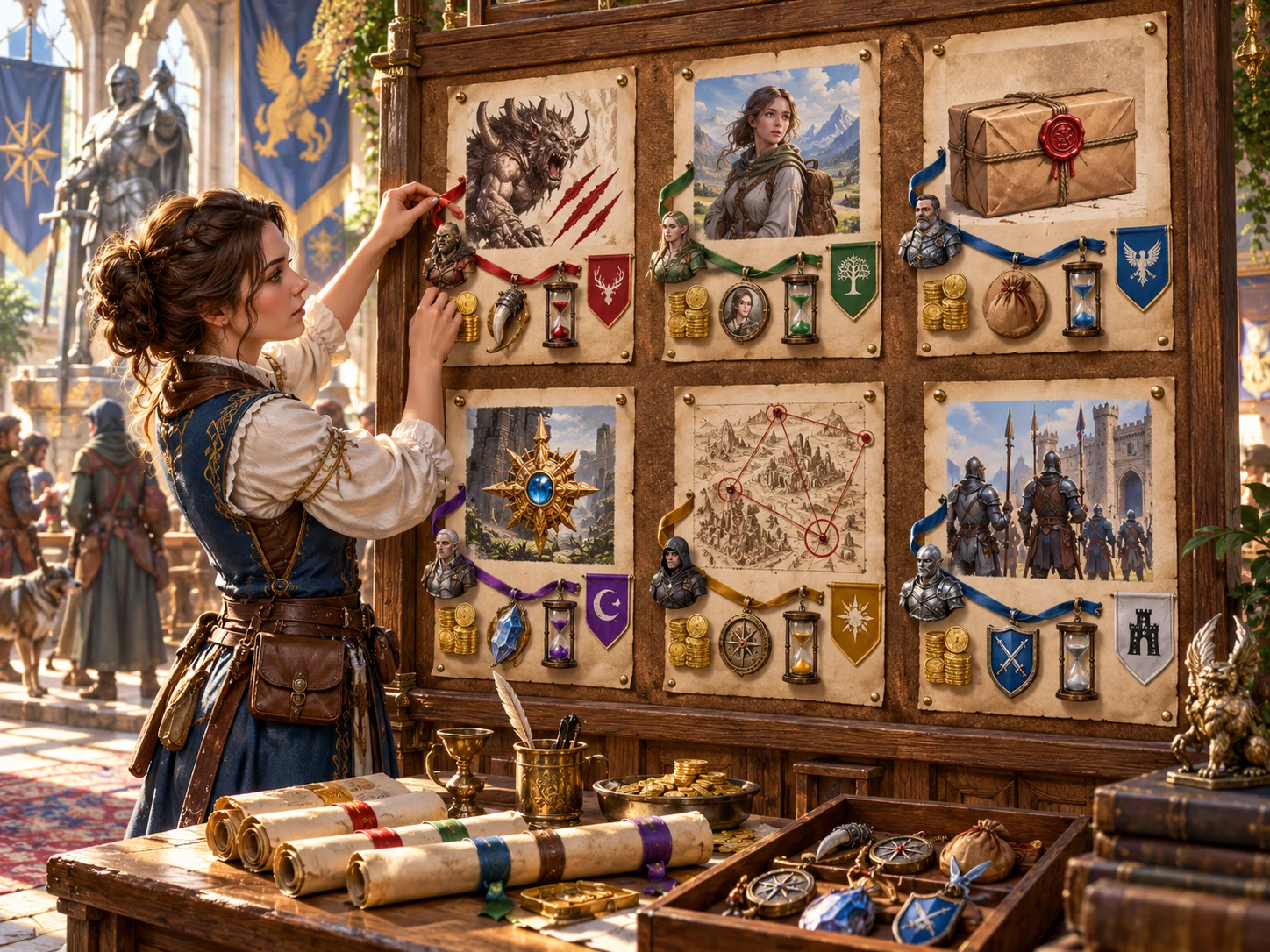
An invitation to act
Turn a town, guild hall or roadside stop into a choice of work. Prepare enough context to discuss the opportunity, then adapt the details to your campaign.
Offer a board of jobs or focus on one notice. A hunt, missing person, delivery or investigation gives players a starting direction without deciding what they must accept.
Review the issuer, target, jurisdiction and travel notes together. A public notice becomes more useful when you know who offers it, where it leads and what proof matters.
Read the private truth, hazard and contact alongside the public objective. Decide what the party can learn, what remains hidden and how the situation fits your setting.
Start from a descriptive reward level and conditions. Set exact money, legal authority and difficulty yourself, so the posting fits your rules and campaign economy.
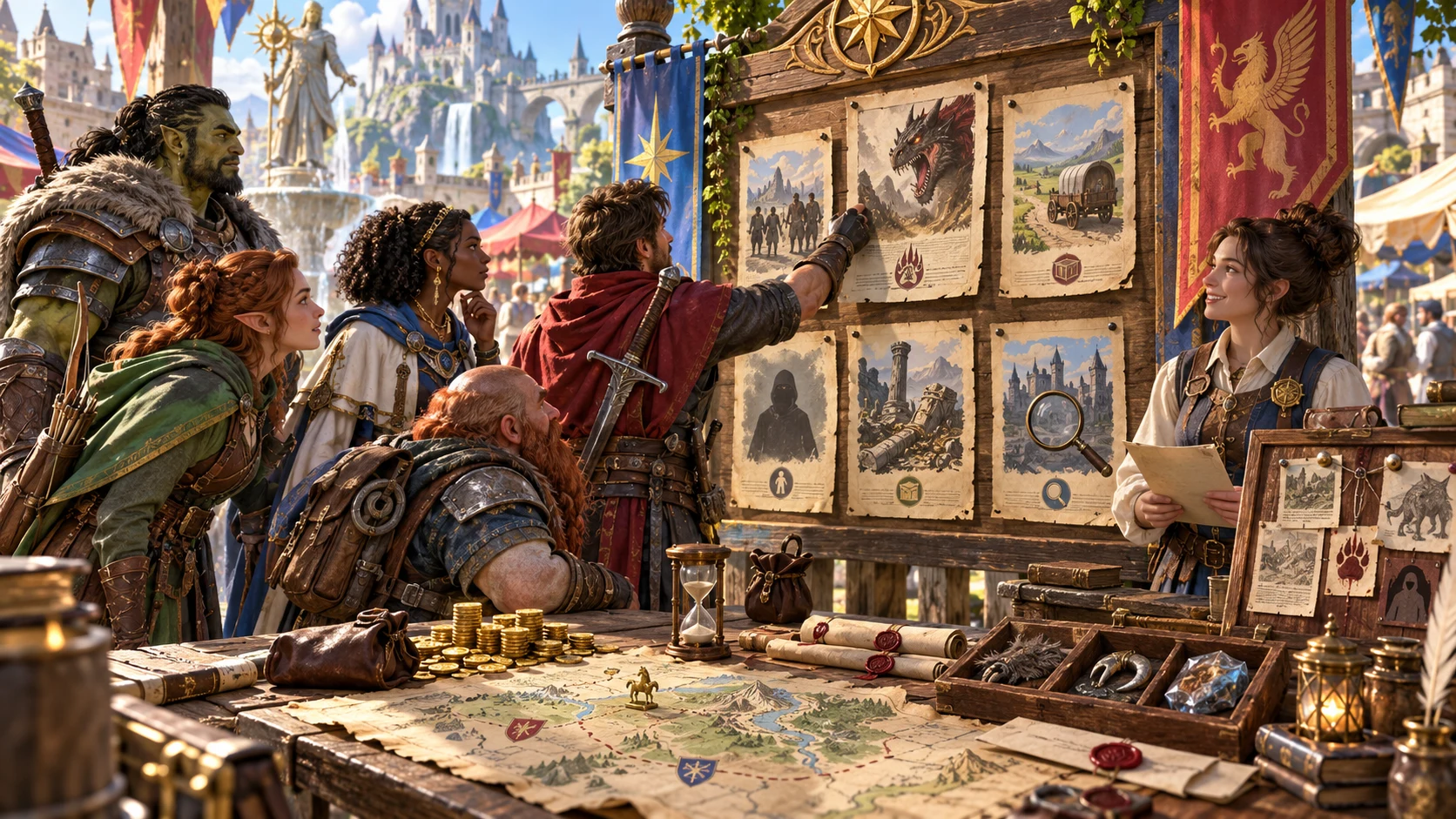
A choice worth discussing
Start with the job, the issuer and what counts as success. Add the contact, hazard and private complication you need behind the screen.
Read the public notice as a player would. Review details for consistency before putting the board into your session.
From brief to public notice
Follow the same route for a single urgent warrant or a town board with several opportunities.
Set one, four, six or eight postings, a mixed board or posting family, danger and reward. Use Quick for the essential choices.
Choose issuer, jurisdiction, deadline, legality, target type, proof and travel distance. Add location and board-theme labels for your preparation.
Read the task, target, conditions and private notes together. Reroll one posting, lock it against individual rerolls or edit the structured data. Check both views after edits.
Save the reviewed board to your account. Select the player view for public JSON or print. Keep the complete DM export for preparation, and use Combat PRO only for eligible target postings.
What the workspace brings together
Create structured preparation, refine individual notices and keep useful boards available for another session.
Generate one, four, six or eight postings. Choose a mixed board or a specific family, including bounties, hunts, missing people, escorts, recoveries, guard work and investigations.
Bring together an issuer, target, public objective, danger, descriptive reward, deadline, proof and restrictions. Add contact, hazard and rumour material to review before play.
Quick exposes size, posting family, danger and reward. Deep adds authority, legality, target type, proof, travel and descriptive settings, plus a location and board theme.
Generated public notices leave out hidden truth and DM annotations. Review the public view before sharing, especially after editing. The two views can be edited separately.
Reroll one posting while keeping the board identity and other notices. Lock a posting against individual rerolls. A full board refresh replaces all postings, including individually locked ones.
Edit the structured JSON, validate required content and use undo or redo for recent workspace changes. Review both private and player-facing fields when you change a posting.
Save to your account library with tags and notes. Search, duplicate, archive and compare board summaries. Open retained prior versions or export JSON for your own records.
With separate Combat PRO access and capacity, send one eligible combat posting to a saved inactive slot. It carries public context and a stat-block selection reference, not generated combat statistics.
Choose your starting point
Use a simple brief or expose more choices. Review the actual output: descriptive settings do not guarantee a unique mix or calculate a balanced job.
Choose the size of the board, a posting family, danger and reward level. Quick keeps these essentials visible while deeper choices stay out of the way.
Add issuer, jurisdiction, deadline, legality, target type and proof requirements. Review whether those choices make sense together in your campaign.
Choose travel distance, public-detail, rumour and complication settings. These are preparation labels; public-detail settings do not produce a longer notice, and None for complication does not remove generated private truth.
A mixed board can bring different opportunities together, but distinct posting families are not guaranteed. Select a specific family when the session calls for one kind of job.
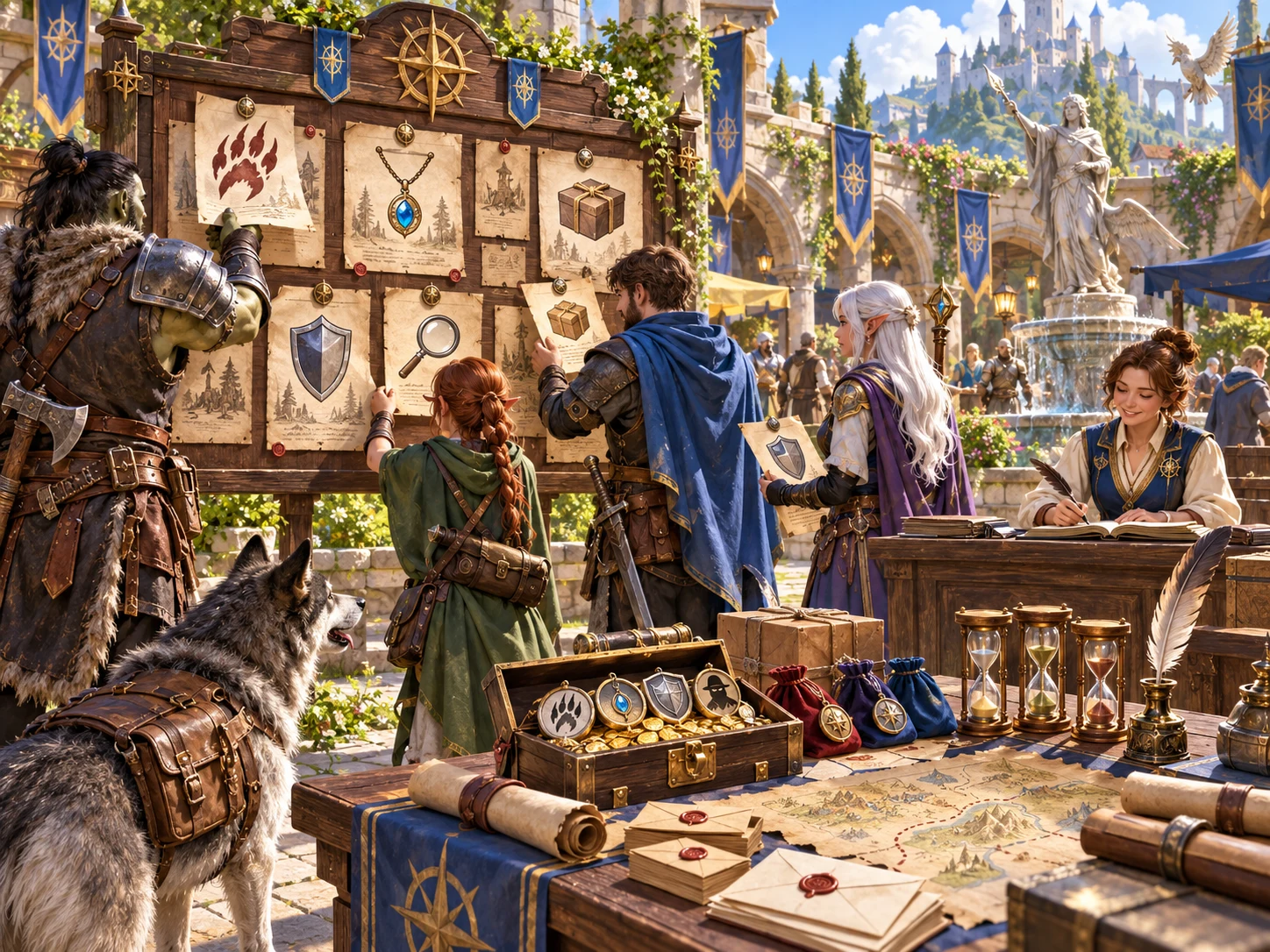
Ready for your session review
Use the generated player board for public notices and the complete record for DM preparation.
The artwork illustrates a fantasy job board. The generator produces structured text and JSON, not these illustrations.
Keep what is useful
Keep useful work while changing the parts that need attention. Review public and private details together before sharing.
Replace one posting and its public notice while other postings stay intact. Individual locks protect against that scoped reroll. A full refresh replaces the whole board, so save first.
Change JSON fields and validate required content. Public and private fields are separate: editing one does not automatically update the other. Undo and redo support up to twenty recent workspace changes.
Search your account library, add tags and notes, duplicate a useful board or mark it archived. Summary comparison helps distinguish boards; archive markers do not track accepted or completed jobs.
Open retained prior board records, with up to ten kept by saves. Copy or download the selected DM or player view as JSON. Use the system print dialog for public notices.
Know what reaches the table
Review the job and its consequences before play, especially when editing public text or preparing a connected encounter.
Targets and jobs can need adjustment to fit together. Rewards are descriptive purses, not calculated currency totals. Choose exact danger, authority, rules and money for your campaign.
Generated public notices omit hidden truth and DM annotations. Validation is structural, not a complete privacy guarantee for edited text. Read the public view before copying, downloading or printing it.
With separate access and free capacity, select an eligible bounty, hunt, wanted notice or warrant. It prepares an inactive saved slot with public context, an abstract travel-zone note and a reference for your owned stat block.
The handoff does not create a monster stat block, draw a map or run the fight. Private truth, rumours and the whole board are not transferred. Sending the same posting avoids duplicates but does not update an earlier revision.
Choose access for your toolkit
Bounty & Job Board Generator is a paid standalone preparation tool. Create a free account first, then review your generator selection and subscription.
Select Bounty & Job Board Generator individually. Creating a free account does not by itself include paid generator access.
Choose a five-generator pack for other eligible standalone tools alongside this one. The pack provides selection capacity, not automatic access to every product.
Review larger selected-generator packs in your account. Check the actual generators, subscription and reselection terms before choosing your toolkit.
Combat PRO, Battlemaps and image systems have their own access models. Standalone generator subscriptions do not include image or animation credits.
Prepare a board the party can discuss, with public objectives and private context kept together in your workspace.
Save boards, duplicate useful ideas and retain portable JSON. Revisit earlier records when the campaign returns to a familiar guild or town.
Start Here and How Do I guidance cover creating boards, refining postings, reviewing player notices, saving versions and optional Combat PRO preparation.
Adapt authority, reward and difficulty to your setting. The board helps organise the invitation; it does not administer player acceptance, payments or completed jobs.
Build your tabletop toolkit
Each card opens that product’s own website. Review purpose and access separately; related products do not promise included access or automatic synchronisation.

Discover and open your supported Windows products through one connected VISINVOKE account.

Explore environment packs for tactical locations and the places your encounters unfold.
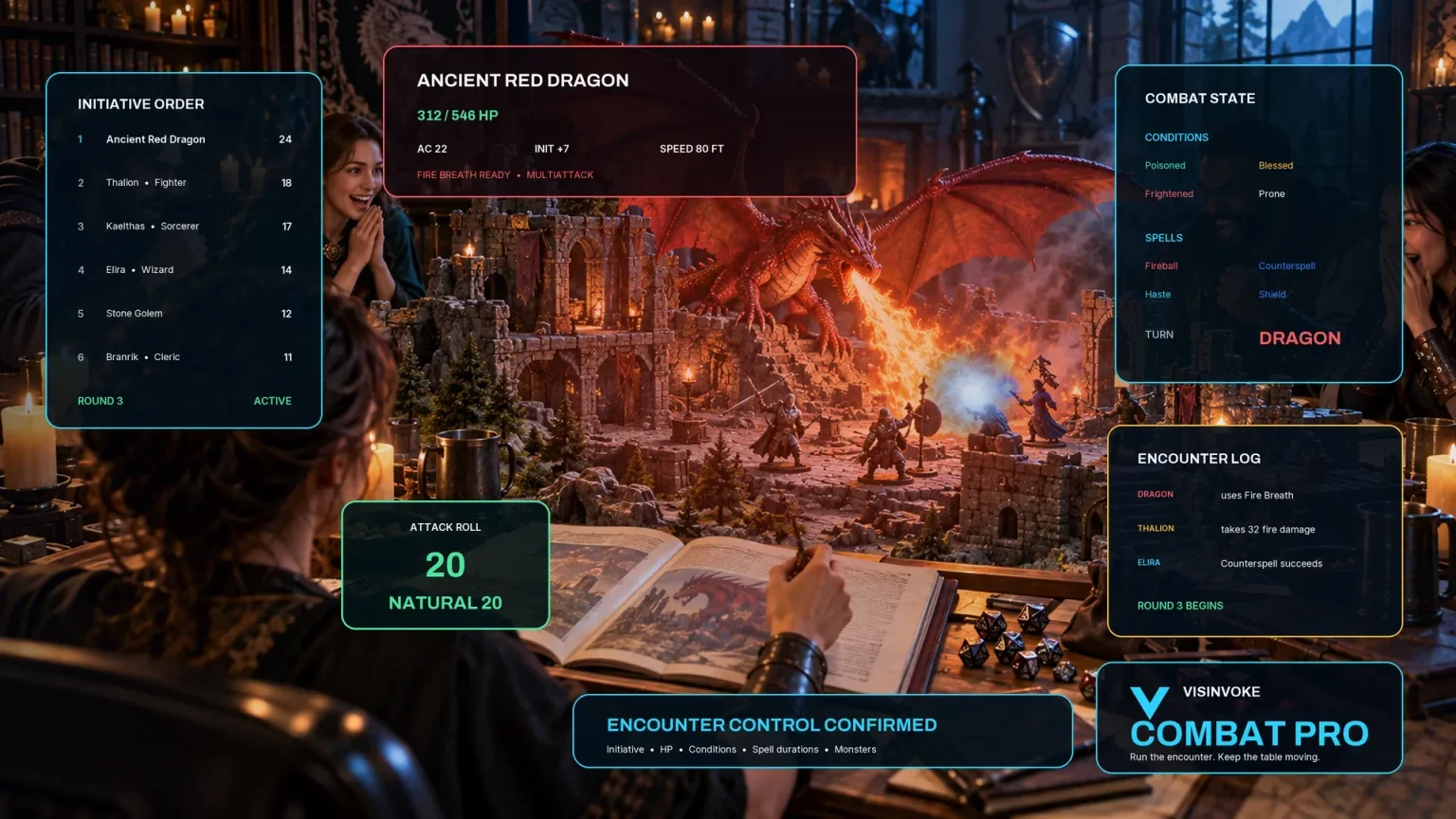
Review prepared opposition, tune creature statistics and run tabletop encounters with its own access.
Create focused character, monster, item and location images to complement your tabletop preparation.

Create guided commercial visuals for websites, brochures and wider creative projects.

Explore a separate futuristic RPG experience with its own world, characters and progression.
Product artwork illustrates adventure preparation, not application screens or actual generated image output.
Quick answers
Understand the workflow and its boundaries before opening the generator.
Choose a mixed board or bounties, monster hunts, missing people, escort and delivery work, recovery, guard work, investigations, criminal jobs, faction contracts, wanted notices or official warrants. Generate one, four, six or eight postings. Review the target, task and reward for your setting.
No. A posting lock prevents its individual reroll. Refreshing the whole board replaces all postings and public notices. Save or export work you want to keep before a full refresh.
Yes. The generated player board excludes hidden truth and DM annotations. Select it for clipboard or JSON download, or use the system print dialog. Review public text after editing: separate public and private fields are not automatically synchronised.
Yes. The account library supports saved boards, tags, notes, search, duplicates, archive markers and summary comparison. Saves retain up to ten prior board records that you can open. Export important versions for your own records.
No. An eligible bounty, hunt, wanted notice or warrant can prepare one inactive saved slot, with separate access and available capacity. It sends public objectives, proof and restrictions, hazards and a reference to select an owned stat block. Choose actual combat statistics in Combat PRO.
Create a free VISINVOKE account, then select Bounty & Job Board Generator at US$1.99/month or through an eligible selected-generator pack. Use Desktop Command Centre on Windows. Combat PRO and image-credit products have separate access.
Continue in VISINVOKE
Create a free VISINVOKE account and choose the required generator access.
Get Desktop Command Centre from your account installer page. Sign in on Windows, then open Bounty & Job Board Generator.